Copying products is the easy part. Migrations go wrong in the details nobody listed at the start.
So our Shopify migration services start with an audit of what your store really does, not with an export file.
Variants, options, images, descriptions, custom attributes and the collection structure, checked against the old catalog.
Accounts, addresses and tags, with a plan for the account invitation email.
As many years as your customer service and accounting need. Not everything has to move, and moving less is often faster.
Every old product, category and content URL mapped to its new address, plus titles, descriptions and structured data.
Shipping, fulfillment, inventory, ERP and accounting connections rebuilt on Shopify and tested with real orders.
Learn more →A move is a good moment to fix what was not working. We can keep your look, refresh it or redesign it.
Learn more →Magento, now Adobe Commerce with a free Magento Open Source edition, is powerful but needs ongoing developer time, hosting and regular upgrades. When an older Magento version reaches the end of Adobe’s support, an upgrade is needed either way, and many owners use that moment to ask whether a hosted platform makes more sense.
We have worked on Magento for many years, so we know where its stores hide complexity: configurable products, customer-group pricing, extensions and custom code. Our Magento to Shopify migration checklist walks through every phase if you want to see the work first.
One we did: the National Corvette Museum store. We built the museum’s store on Magento, with CRM and accounting integrations, and later moved it from Magento to Shopify, where it runs today.
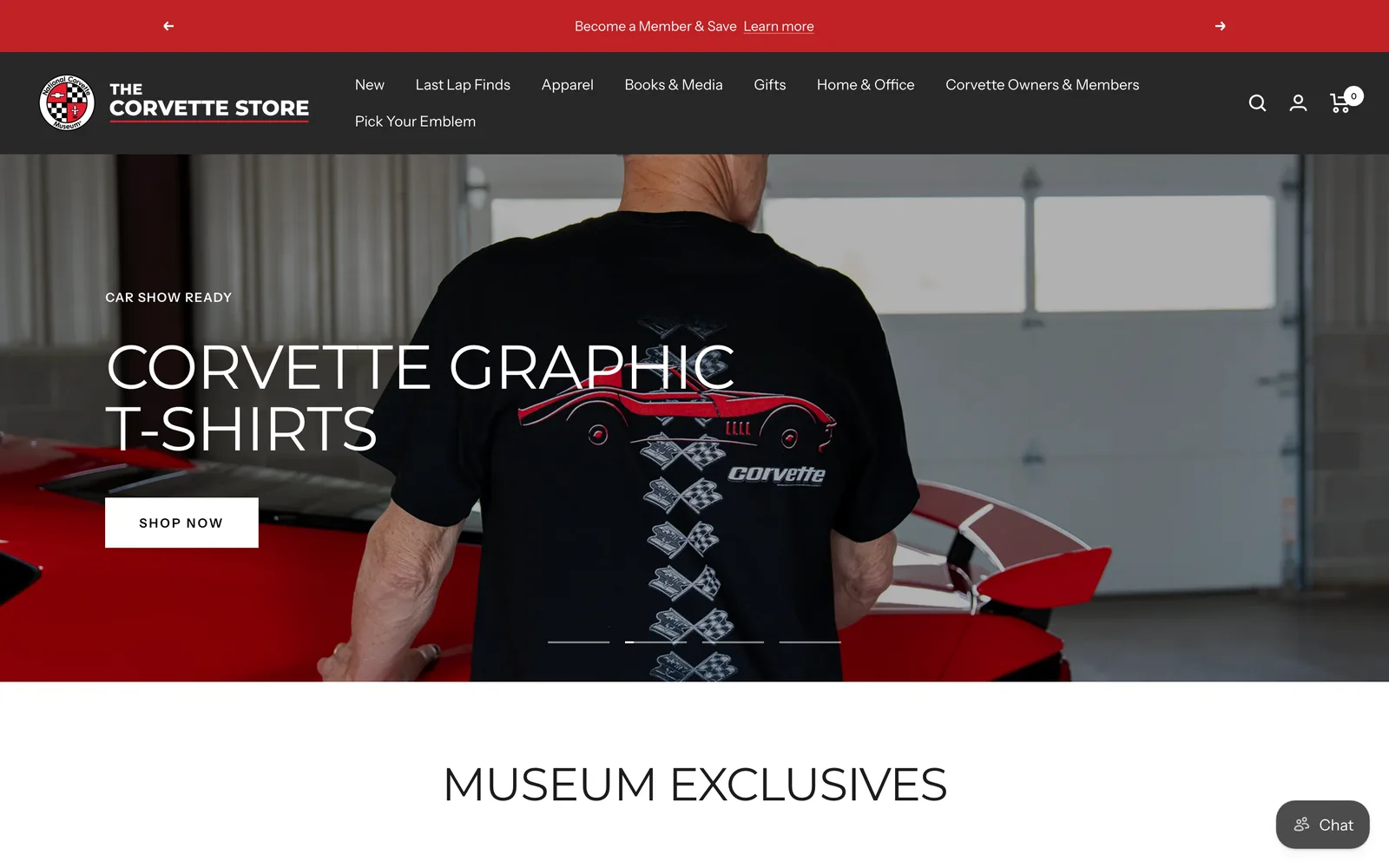
Magento build, then the move to Shopify
The museum’s official merchandise store. We built it on Magento with CRM and accounting integrations, then migrated it to Shopify.
Visit the live store →From WooCommerce, the store is usually tangled up with a WordPress site: blog posts, landing pages and plugins that do more than one job. We decide with you what moves to Shopify and what stays, so content and rankings are not lost along the way.
From BigCommerce, the data maps more cleanly, but apps, B2B pricing and integrations still need care. We are a BigCommerce partner too, so if staying on BigCommerce turns out to be the better answer, we will say so.
Our work

Front-end redesign and fulfillment integrations
A women’s clothing rental and membership store on Shopify. We fixed problems in the store flow, connected shipping and fulfillment to third-party systems, and redesigned the front end and the interface.
Visit the live store →
Full design and development
A bath and gift brand on Shopify. We designed and developed the whole store, from the collections and product pages to the cart.
Visit the live store →
Full design and development
The coastal apparel and lifestyle brand of Seaside, Florida, on Shopify. We designed and developed the whole store.
Visit the live store →All three are live stores, shown with their owners’ permission. For something less ordinary, take a scroll through The Impossible Store, a 3D store we built to show what a storefront can do.
A migration always carries some risk, and nobody can promise rankings. Redirecting every old URL, keeping titles and content, and watching Search Console after launch are what protect the traffic you have.
Yes. See website migration recovery: we find what failed, fix redirects and missing data, and get the store working.
No. Your current store keeps taking orders while the Shopify store is built. The switch happens when the new store has passed testing.
Yes. Passwords cannot be moved from any platform, so customers get an invitation to set one. We help you word that email so it reads as an upgrade, not a problem.
It depends on catalog size, custom features, integrations and how much history you move. The written scope after the audit gives you the timeline.
We do not publish prices. The cost depends on the same things as the timeline, and we scope it in writing after the free call.
Yes. We build on Shopify, BigCommerce, WooCommerce and Magento, and the right destination depends on your store.